

Runs on your machine
The desktop, Omega's model, your files and the creative studios run on the computer itself.
TechNeck™ · iRECKON VLP
iRECKON VLP is a Virtual Life Platform: a bootable computer, run on hardware you own, that connects your AI, your work, your context and your software in one place. Watch it run, step through real screens, then see how each part works.
Real captures from a running build · in active development · closed beta coming soon
Demo slides
01 / SCREEN BY SCREENEach slide is a capture of the iRECKON desktop on real hardware, not a mockup. Use the arrows or the thumbnails, swipe on a phone, or press Present to show it full screen.
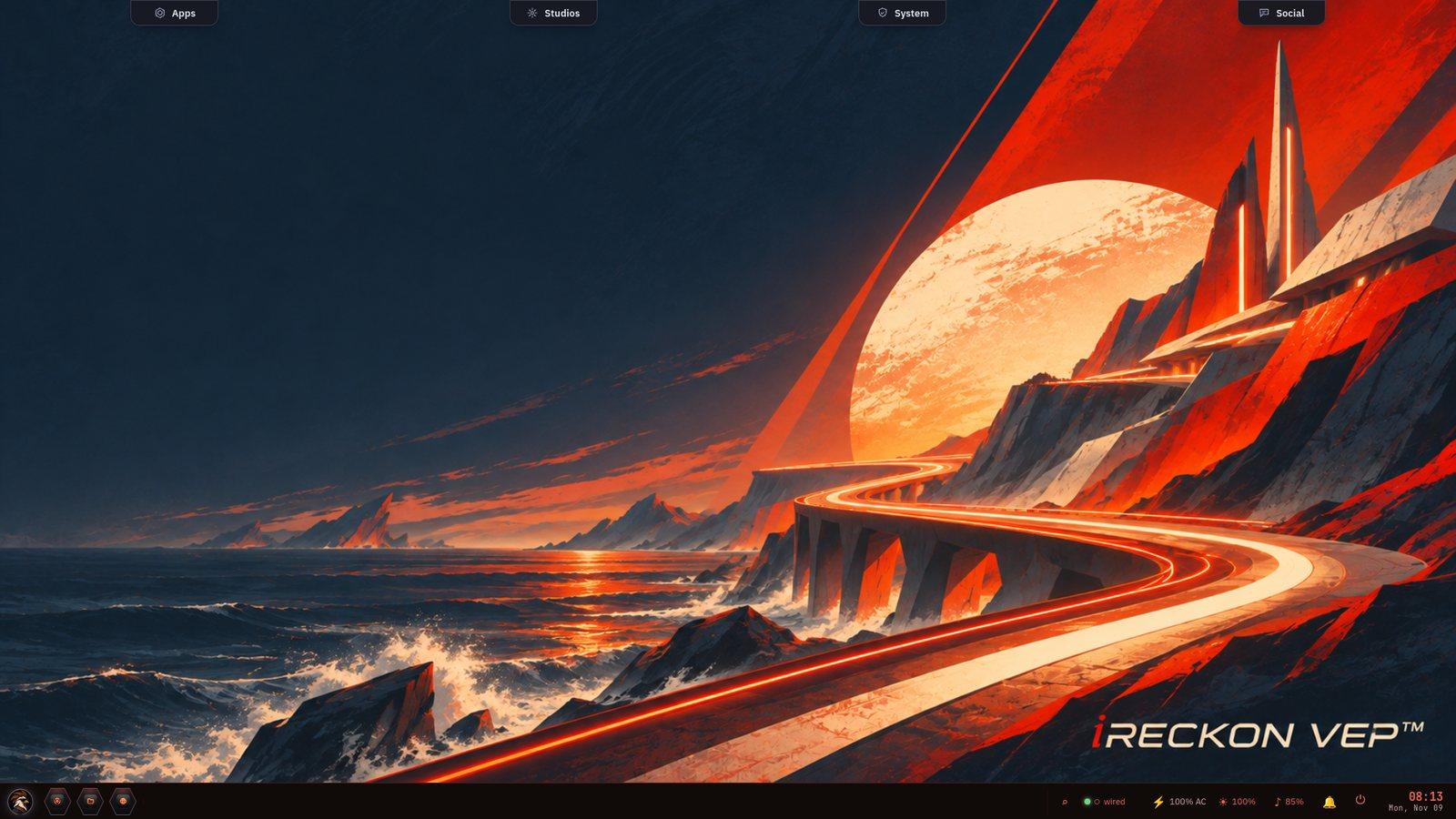
Slide 1 of 6: The iRECKON desktop.
The category
02 / WHAT IT ISMost digital life is split across apps, subscriptions and clouds, and you rebuild the same context in each one. iRECKON takes a different shape: one desktop, booted on hardware you own, where the AI, your files, your work and your programs share the same ground.
We call that a Virtual Life Platform. VLP is the edition for people; VEP, the Virtual Enterprise Platform, brings the same foundation to organizations.
The desktop, Omega's model, your files and the creative studios run on the computer itself.
Omega works from your real files, so you stop re-explaining your work to a dozen tools.
You choose how much Omega may do on its own, and every action lands in a record you can review.
How it is built
03 / THE FOUR LAYERSA bootable Linux desktop and its local applications. It is the base layer: you own it outright and run it on your own hardware.
Being hardened now: installer, boot, recovery and update.
The on-device AI. Omega answers questions, works from your real files and drives the desktop for you. Where the hardware allows, the model runs on the machine itself, so there is no per-question bill.
The layer that remembers: your projects, preferences and routines, carried into every new session. Its memory stays visible, editable and removable.
Independent programs that extend one shared platform: first-party and third-party, published, signed and installable.
How control works
04 / APPROVALSIn plain language, typed or spoken.
It works out the steps and the tools it needs, from your files and, when you ask, the web.
Steps that send, spend or change something can pause for your approval. You choose the mode: normal, or auto-approve for work you trust.
Every action lands in the activity ledger, so you can see what ran and when.
Editions
05 / ONE FOUNDATIONThe flagship for people: a local-first AI desktop you boot, own and build on.
The same foundation, hardened and centrally managed for organizations: provisioning, policy and support at scale.
Omega as its own layer: the on-device reasoning and tool orchestration that makes the platform useful.
Questions
06 / PLAIN ANSWERSNot yet. iRECKON is in active development, and sales stay closed while we harden the installer, boot, recovery and update path. Follow progress and closed-beta news at ireckonvlp.com.
Core work runs on the computer. Features that reach outside, such as a web search, use the network when you ask them to.
PC hardware you own. The AI features scale with the machine: iRECKON sizes its local models to the graphics card and memory it finds.
iRECKON is its successor. The engineering foundation was proven in the HYVE Ether OS closed beta and carries forward under the iRECKON name.
The home of iRECKON
The iRECKON site carries the build log, the demo and closed-beta news.